How Sonfie Works
Sonfie is an all-in-one online RSVP website platform designed to make event planning easier, more organized, and more enjoyable. Instead of juggling text messages, spreadsheets, and multiple tools, Sonfie gives you a single place to create a custom RSVP website, share event details, collect responses, and manage your guest list in real time.
Whether you’re planning a birthday party, baby shower, wedding, potluck, graduation, or work event, Sonfie helps you stay in control while giving guests a simple, modern way to RSVP online.
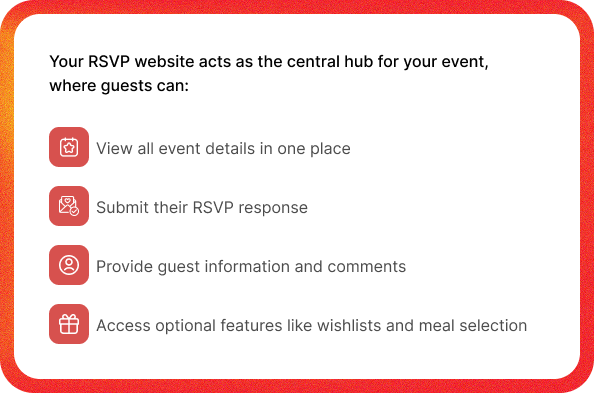
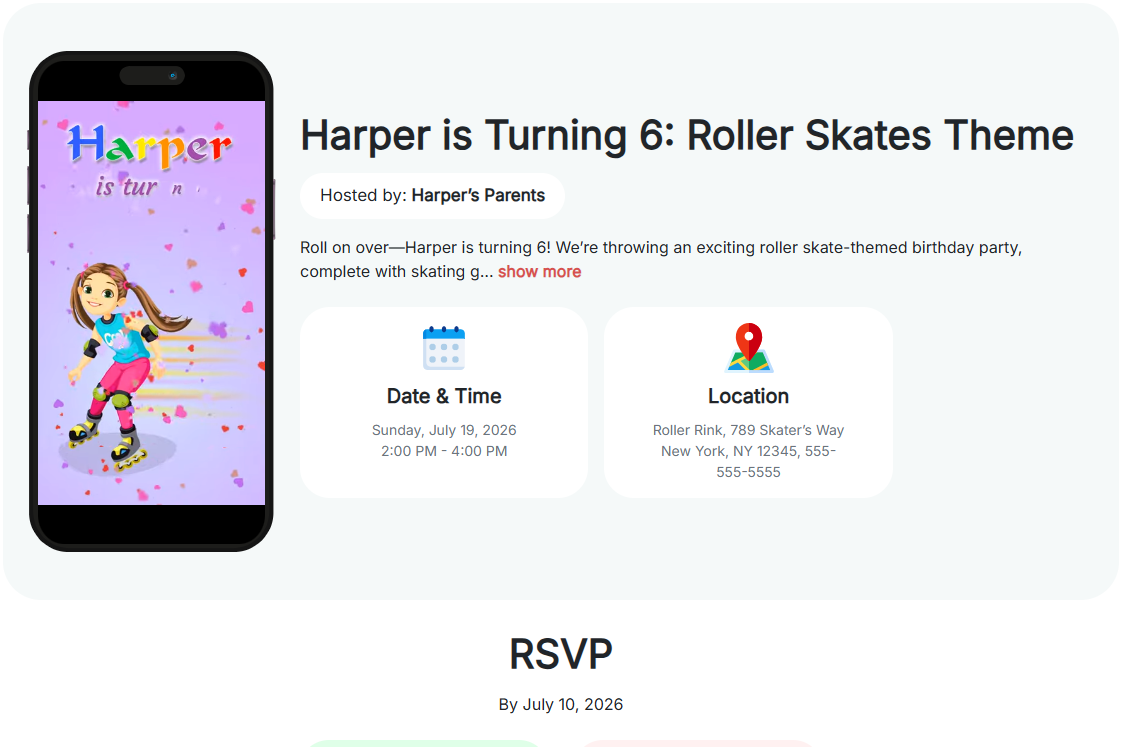
Online RSVP Websites
Every event on Sonfie starts with a dedicated online RSVP website built specifically for your event. This eliminates the need for generic forms, messy email chains, or manual tracking.
Each website is hosted on Sonfie and comes with a unique, shareable URL (for example: sonfie.com/e/your-event-name), making it easy to send and easy for guests to remember.
RSVP Website Types
Sonfie offers multiple RSVP website types so you can choose the experience that best fits your event style, audience, and tone.

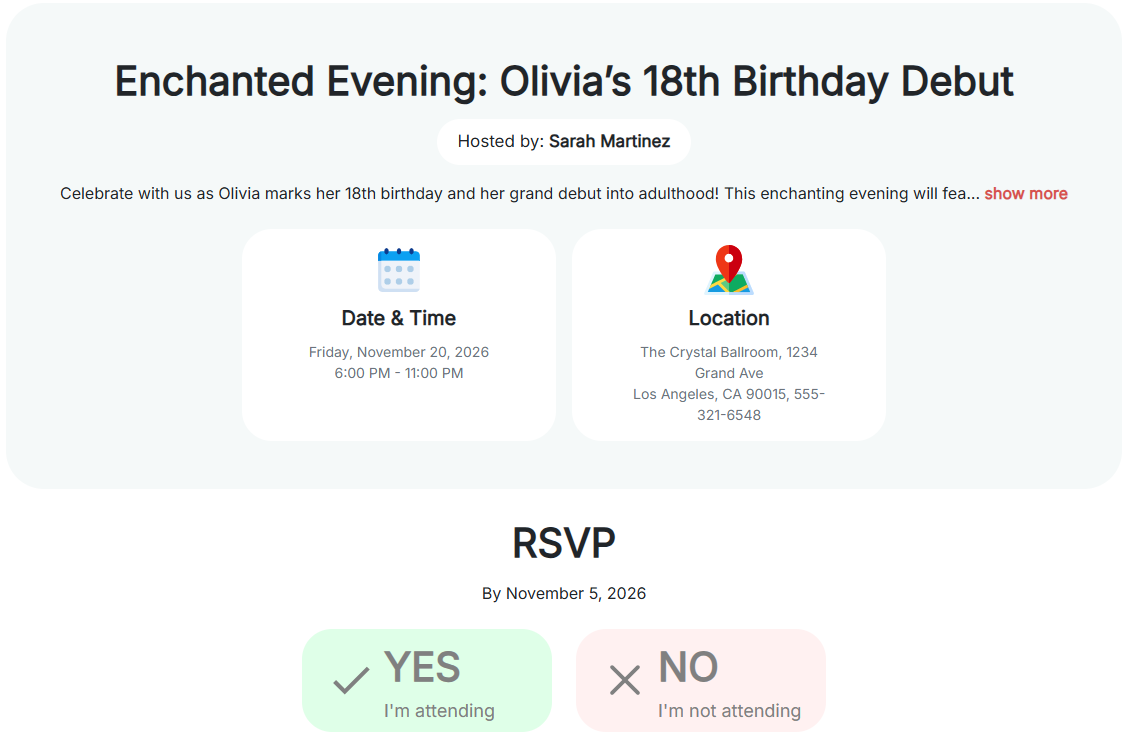
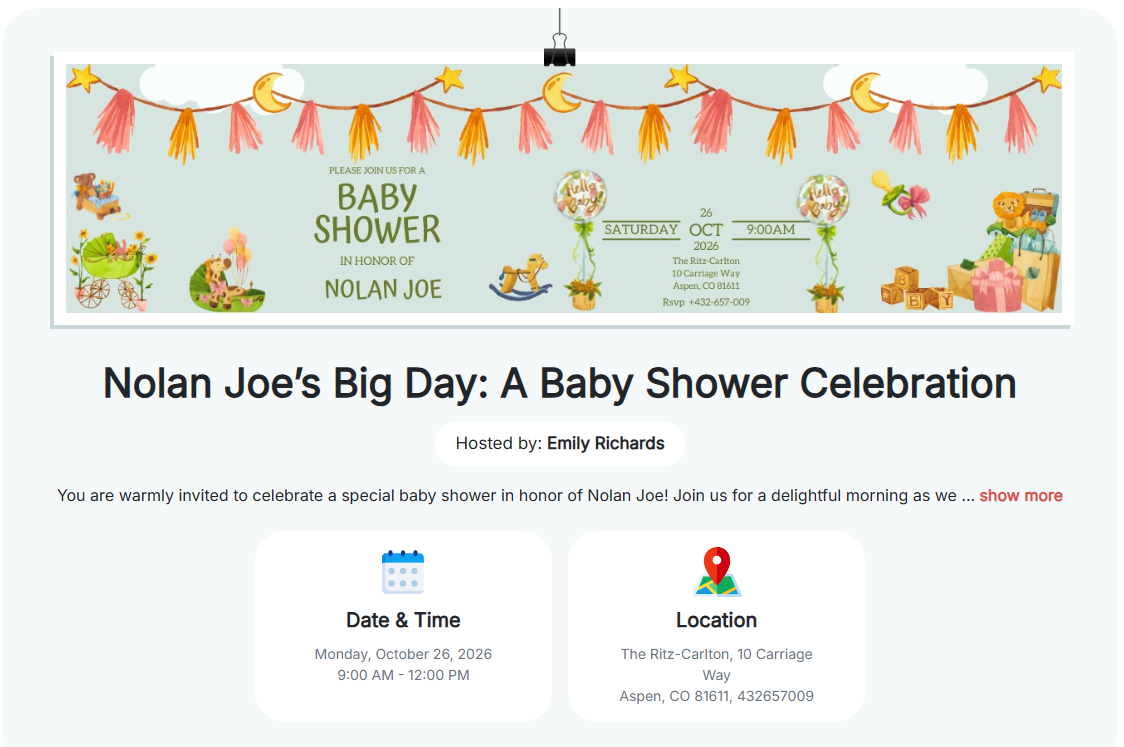
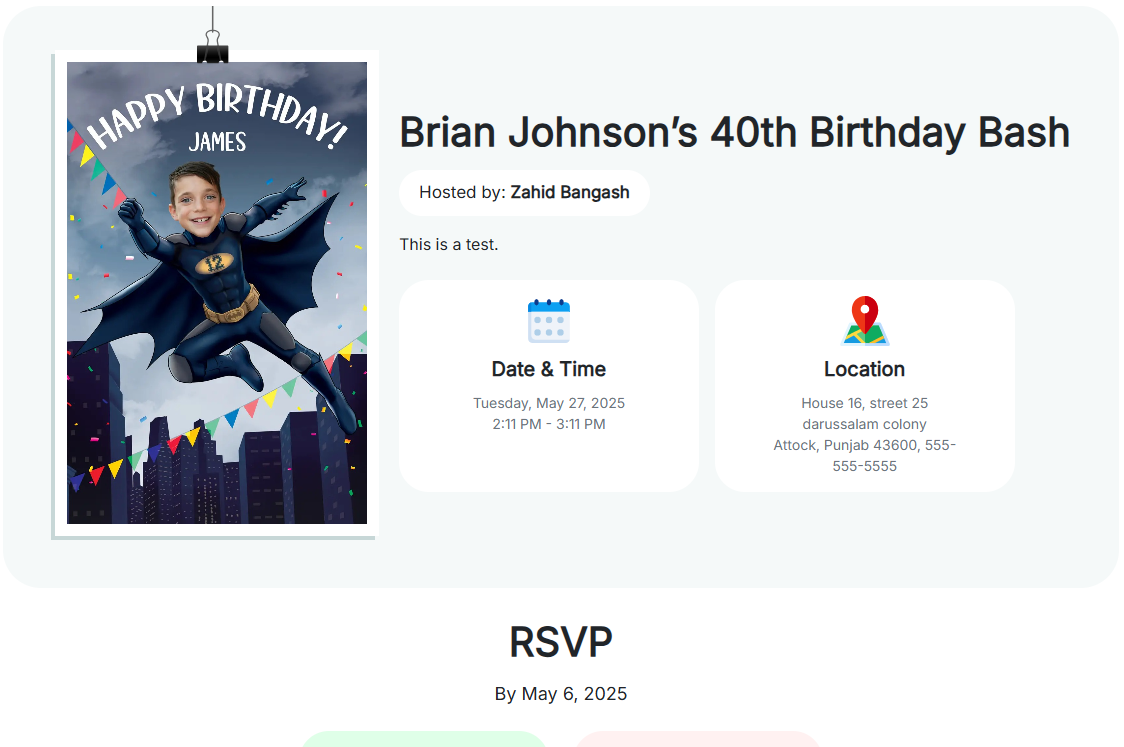
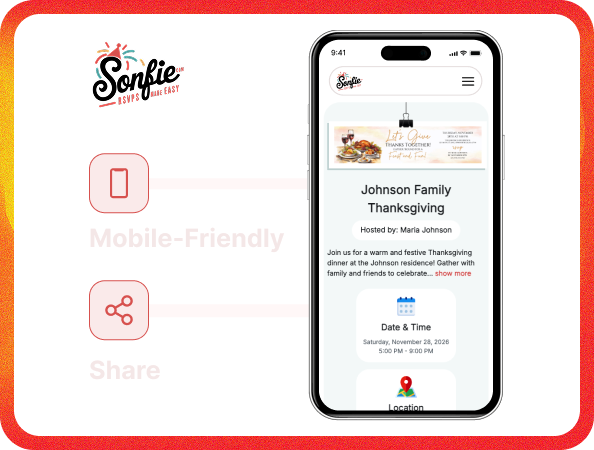
Mobile-Friendly & Shareable
Sonfie RSVP websites are fully mobile-friendly and optimized for all devices, including phones, tablets, and desktop computers. Guests can RSVP quickly without creating an account or downloading an app.
Your RSVP link is easy to share:
- Send it via text message or email
- Post it in group chats or private messages
- Share it on social media
- Include it on printed invitations
This flexibility ensures guests can RSVP wherever they are, making response rates higher and faster.
QR Codes
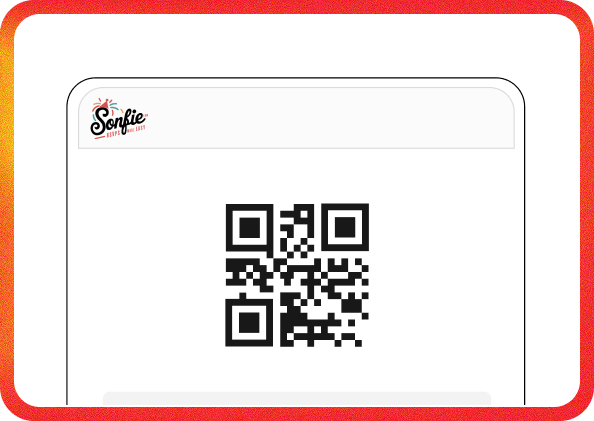
Each Sonfie RSVP website includes a free, downloadable QR code that links directly to your event page. When guests scan the QR code, they’re taken straight to your RSVP website—no typing required.
QR codes are ideal for:
- Printed invitations and cards
- Flyers and posters
- Table signage at events
- Digital invites and social posts
This adds convenience for guests and helps increase RSVP completion.
Custom Event Details
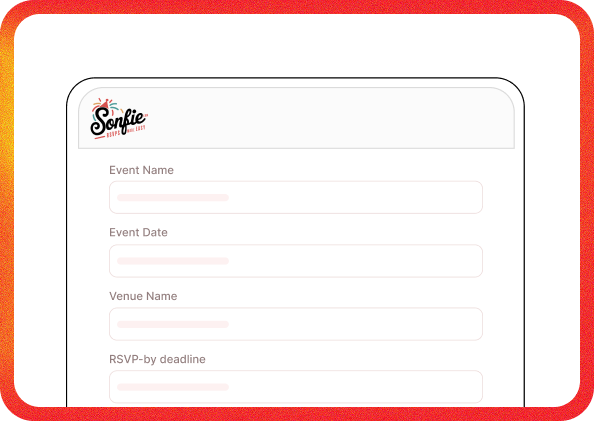
Sonfie allows you to display all essential event information clearly and professionally on your RSVP website, reducing confusion and follow-up questions.
You can include:
- Event name and detailed description
- Event date and start/end times
- Venue name and full address
- RSVP-by deadline
- Contact email and phone number
You can also customize the confirmation messages guests see after submitting their RSVP, whether they’re attending or unable to attend.
Wishlist & Gift Registry
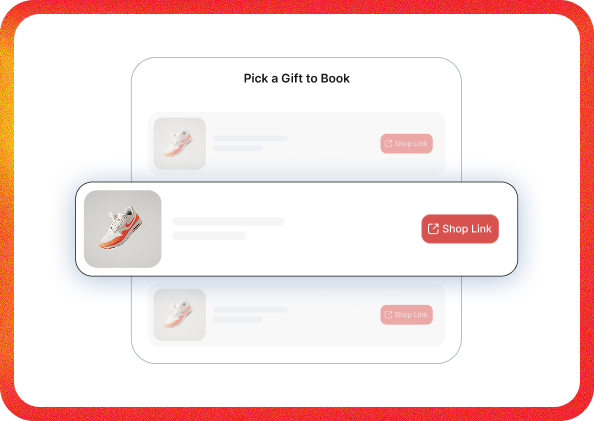
Sonfie includes an optional built-in Wishlist and Gift Registry feature that helps organize what guests are bringing or gifting.
This feature works well for:
- Gift registries for baby showers, weddings, and birthdays
- Potluck food assignments
- Party supplies like drinks, desserts, ice, or decorations
- Shared group items
Guests select their item directly while RSVPing, which helps avoid duplicates and keeps everything organized. Hosts can also require guests to select a wishlist item before completing their RSVP.
Meal Selection
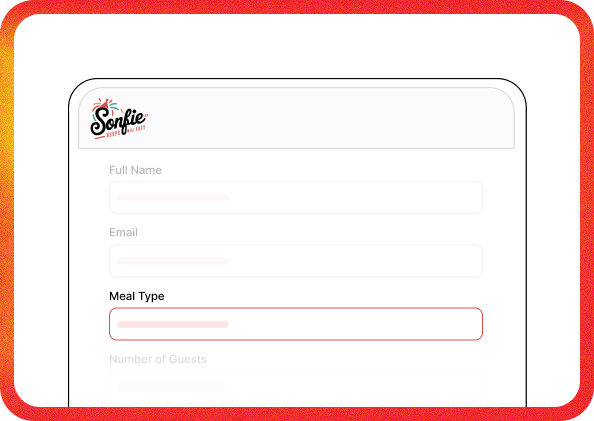
For events involving food, Sonfie offers Meal Selection during the RSVP process to simplify catering and planning.
With Meal Selection enabled:
- Guests choose their meal preference while RSVPing
- Additional guests can each select their own meal
- Meal choices are tracked per person
This eliminates the need for follow-up messages and provides accurate meal counts for caterers, venues, or hosts.
Guest List Management
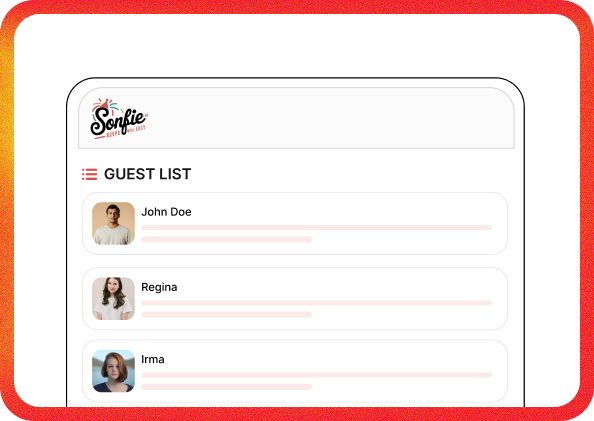
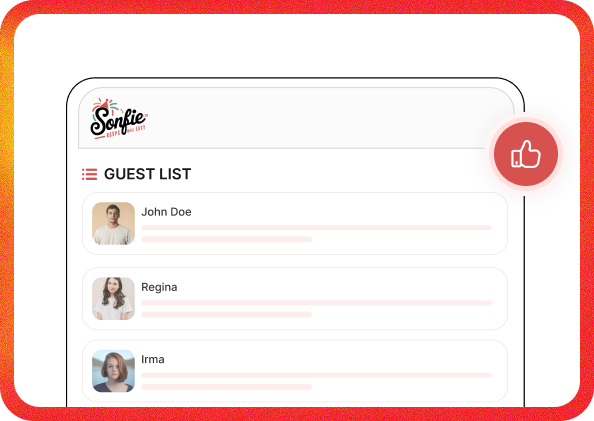
Sonfie automatically organizes all RSVP responses in your account dashboard, giving you a complete and up-to-date guest list.
You can easily view:
- Guest names and contact details
- Number of attendees per RSVP
- Names of plus-one guests
- Wishlist selections
- Meal selections
- Guest comments or notes
Everything is centralized, searchable, and easy to manage.
Real-Time RSVP Tracking
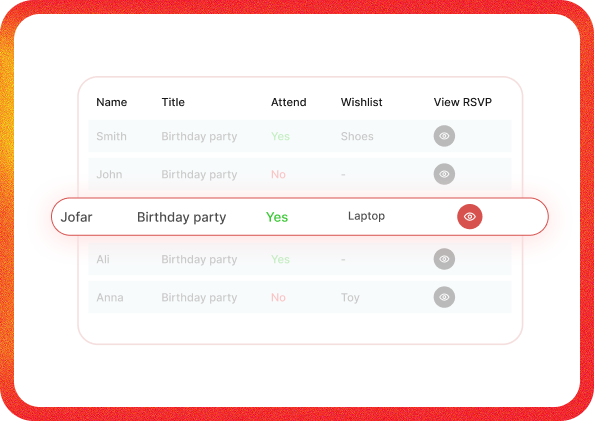
As guests respond to your RSVP website, updates happen instantly. There’s no waiting, refreshing, or manual counting required.
Real-time RSVP tracking allows you to:
- Monitor attendance as responses come in
- See how many guests are attending or declining
- Track progress toward your guest limit
This helps you plan confidently and make adjustments early if needed.
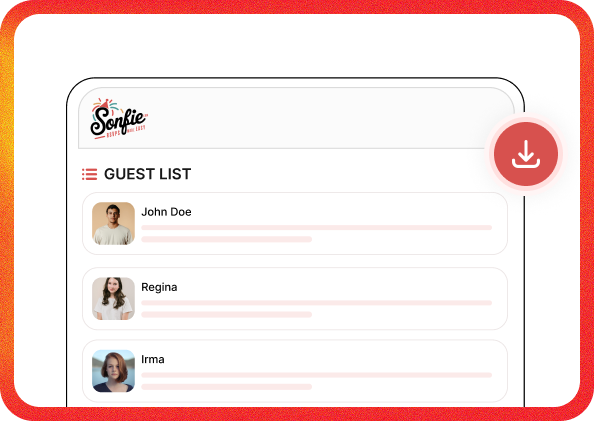
Download Guest List
Sonfie allows you to download your guest list at any time as a CSV or PDF, making it easy to share information or keep offline records.
Downloaded lists can include:
- Attending guests
- Guests who declined
- Guest counts and selections
This is especially helpful for sharing details with venues, caterers, planners, or event staff.

Interactive RSVP Games
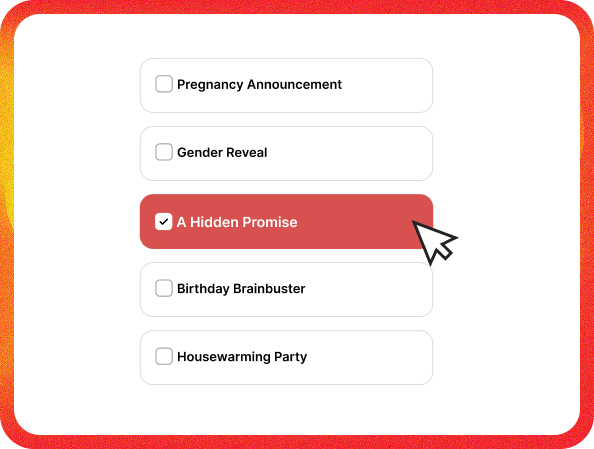
For hosts who want a unique and memorable invitation experience, Sonfie offers Interactive RSVP Games.
Instead of a traditional RSVP page, guests:
- Play a short interactive game
- Reveal the event details through gameplay
- RSVP directly at the end
These experiences are perfect for birthdays, gender reveals, surprise trips, showers, and creative celebrations where you want to engage guests before they RSVP.
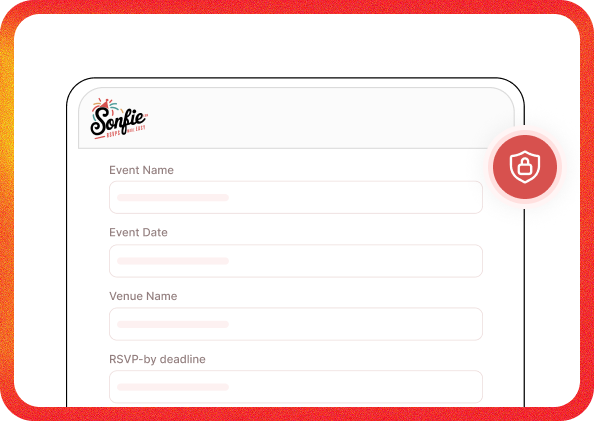
Event Privacy & Controls
Sonfie gives hosts full control over event access and RSVP settings
You can:
- Make your RSVP website public or private
- Password-protect private events
- Set RSVP deadlines to automatically close responses
These controls help ensure only invited guests can view and respond to your event.
Event Limits
If your event has limited capacity, Sonfie allows you to set a maximum number of guests.
Once the guest limit is reached:
- Additional RSVPs are restricted
- Attendance stays within your desired capacity
This is ideal for venues with size limits or intimate gatherings.
Works for Any Event
Sonfie is flexible enough to support nearly any type of event, including:
- Birthday parties and kids’ events
- Baby showers and bridal showers
- Weddings and engagement parties
- Graduation celebrations
- Corporate and work events
- Church, school, and community gatherings
- Holiday parties, friendsgiving, and potlucks
- Family reunions and retirement parties
If your event needs an online RSVP, Sonfie is built for it.
One-Time Payment
One-time payment per event — your RSVP website stays live for 6 months
- No subscriptions
- No monthly fees
- No recurring charges
You can create multiple events under your account, and each RSVP website is paid for individually — giving you full control without long-term commitments.